✿ Lives inside Notion

The Notion content planner that posts for you

Plan, preview, and post without ever leaving Notion. Built for social media managers and creators who already plan in Notion.

Posted to Instagram · 9:00 am
TikTok queued · tue 6 pm
📄 content hub/July planner
✿ Plan your calendar ✿ Preview your feed ✿ Posts on autopilot ✿ All inside Notion
Made for people who post for a living

Four clients, five posts a week, twenty manual uploads. That's your Tuesday gone. Every account gets its own planner in the Notion page you already share with them.

Founder, designer, and the whole social team. Plan a month in one sitting and let posting happen without you. No team, no second app, no Sunday night upload.

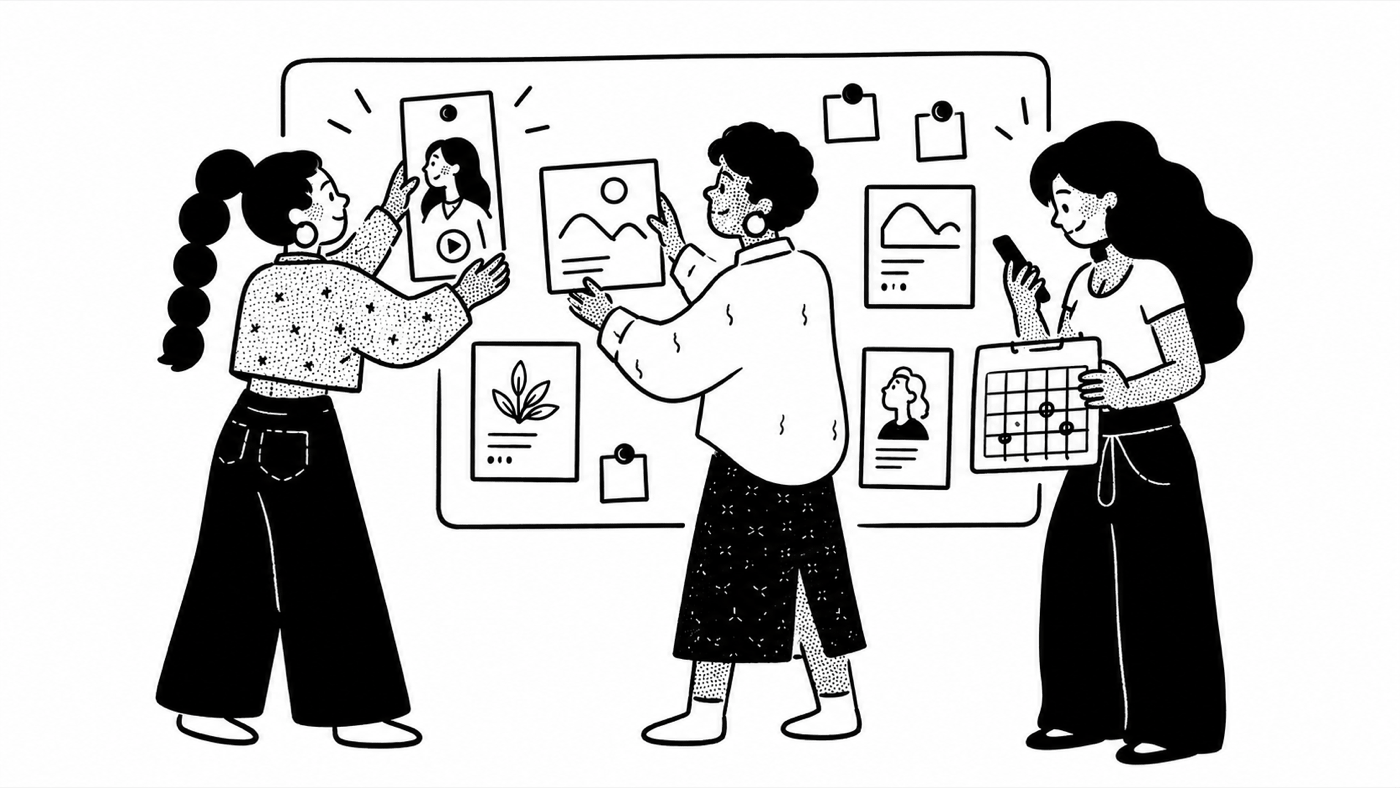
Three social media managers pinning posts and a calendar to a shared content board
“Wait it actually POSTS for you?? From Notion???”
T From TikTok ;p
Try it right here

Go play with the live planner.

This is the real widget, exactly as it renders in Notion.

1 Start your trial 2 Copy your link 3 Paste into Notion
Open Notion
📄 your page/Clem content planner
Step 1 · Plan

Plan it in the Notion you already use.

Start with the content calendar that comes with Clem, already built with the columns it needs, or point Clem at a database you're already running. Either way it's your Notion page, your structure, your rules. No new app to learn.

Step 2 · Preview

How do I preview my Instagram grid in Notion?

Watch your Instagram grid come together right inside Notion, updating as you plan. Drag posts into the order you want and the grid stays in sync with your database. Completed posts hide themselves, so what you see is always what is still coming. Know exactly what your feed looks like before anyone else does.

Step 3 · Post

Does Notion have a social media scheduler?

Not on its own. Notion plans, it doesn't publish. Clem is the part that publishes, and it's the part every other Notion tool skips. Clem schedules Instagram posts and TikTok posts straight from Notion, captions and hashtags included, right on time. No desktop only TikTok limits, no 10 day cap. You plan once and walk away.

Clem vs everything else

Can Notion post to Instagram and TikTok? With Clem, yes.

Not on its own. Notion is a planning database with no publishing ability, which is why grid widgets stop at preview and schedulers make you rebuild your calendar in their app. Clem is the layer that reads your Notion database and auto posts to Instagram and TikTok for you, so you plan, preview, and publish without ever leaving Notion.

Clem ✿Grid preview widgetsSchedulers (Later, Planoly)
Actually posts for you
Previews your Instagram grid
Lives inside Notion
Schedules TikTok tooVaries
Unlimited scheduled postsCapped on entry plans
Notion content planner pricing

7 days free. Pick the plan that fits how many accounts you run.

One planner = one brand. Its own content calendar, its own grid, its own Instagram and TikTok.

Creator
$15 / month
  • 2 content planners
  • Instagram and TikTok on each
  • Plan, preview, and auto post in Notion
  • Captions and hashtags, written once

7 day free trial on every plan.

Questions, obviously

Frequently asked everything.

Is there a free trial?
Yep. Every plan starts with a 7 day free trial, and you get everything the paid plan does. Build your planners, connect Instagram and TikTok, and let Clem publish real posts for you. You add a card when you start, and you're not charged until day 8. Cancel any time before then and you pay nothing. Everything you set up stays saved either way.
Do I need a special Instagram or TikTok account?
Just not a personal one. Auto posting runs on official APIs, which work with Instagram Creator or Business accounts and TikTok Creator or Business accounts, all free. Switching takes about a minute in each app's settings, and we walk you through it.
How much does Clem cost?
Two plans. Creator is $15 a month, or $144 billed once a year, and includes 2 content planners. Studio is $39 a month, or $390 billed once a year, and includes 6 content planners. Every planner connects one Instagram and one TikTok, and both plans include grid preview, content planning, and auto posting. Both start with a 7 day free trial, and paying yearly is 12 months for the price of 10.
What's the difference between Creator and Studio?
The features are identical. The difference is how many content planners you get. Creator gives you 2, which fits one brand or a personal account. Studio gives you 6, which fits a freelancer or small agency running a few brands. Each planner is its own Notion database with its own grid and its own Instagram and TikTok. You can switch plans any time from your billing settings.
How do I schedule TikTok posts from Notion?
Add your video, caption, and date to your Notion database and Clem publishes it to TikTok automatically through TikTok's official API. Unlike TikTok's native scheduler there is no desktop only limit, no 10 day cap, and you can edit queued posts right in Notion.
Is it safe to connect my accounts?
Yes. Clem posts through official, pre approved Instagram and TikTok APIs and never sees your password. You authorize access through Instagram and TikTok directly, and you can revoke it anytime.

See all questions

Run your socials without leaving Notion.

Plan it, preview it, and let Clem post it. One workspace for everything social, right where your content already lives.

Try it free

7 day free trial. Cancel any time.